Smart reminders
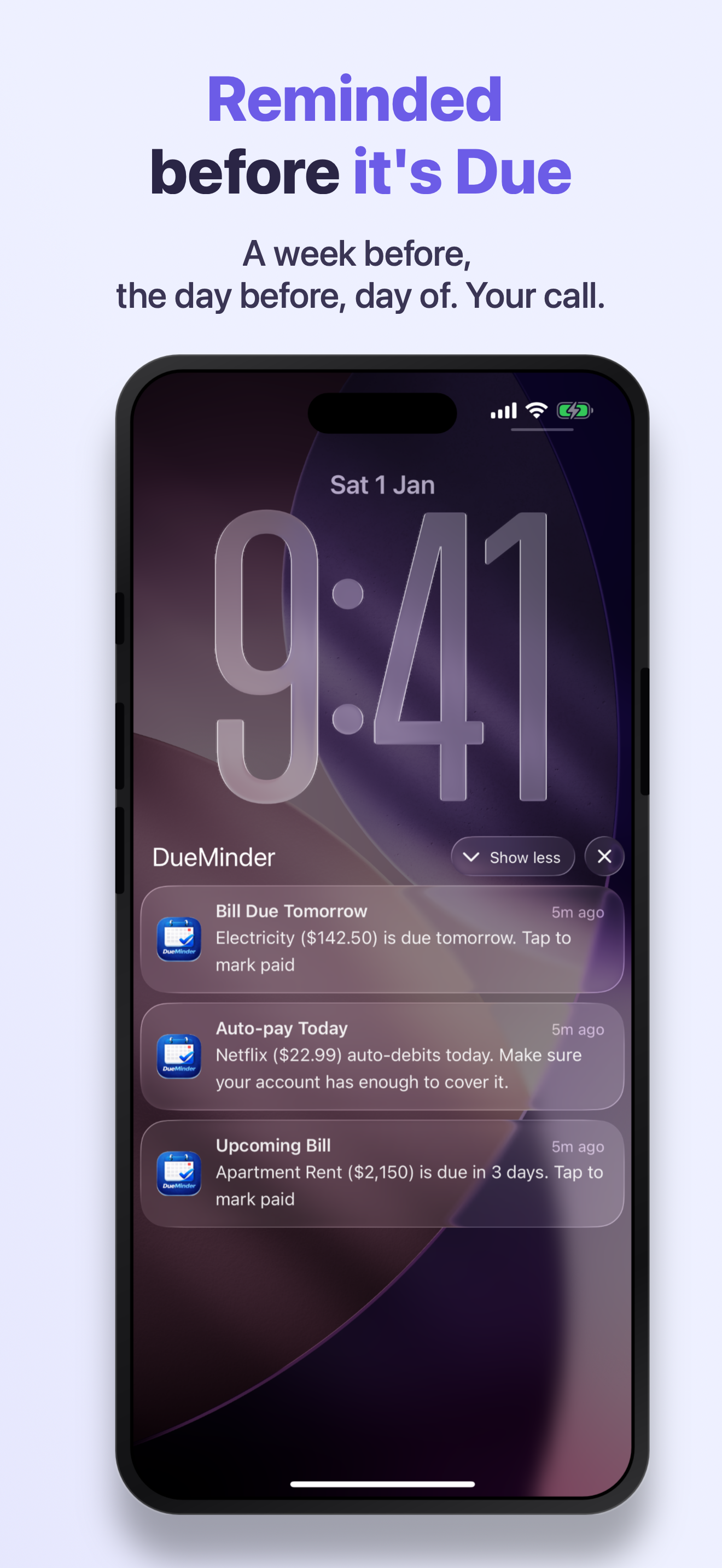
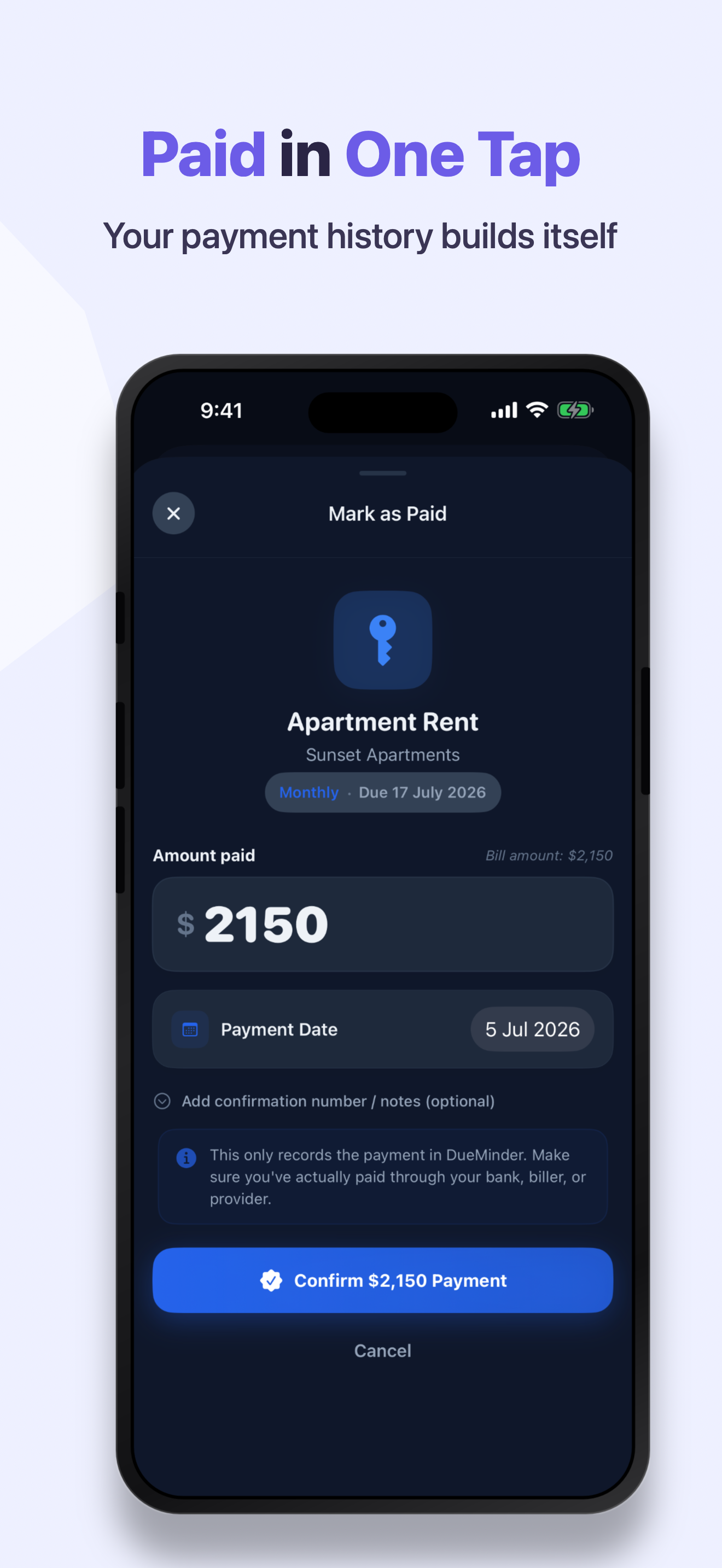
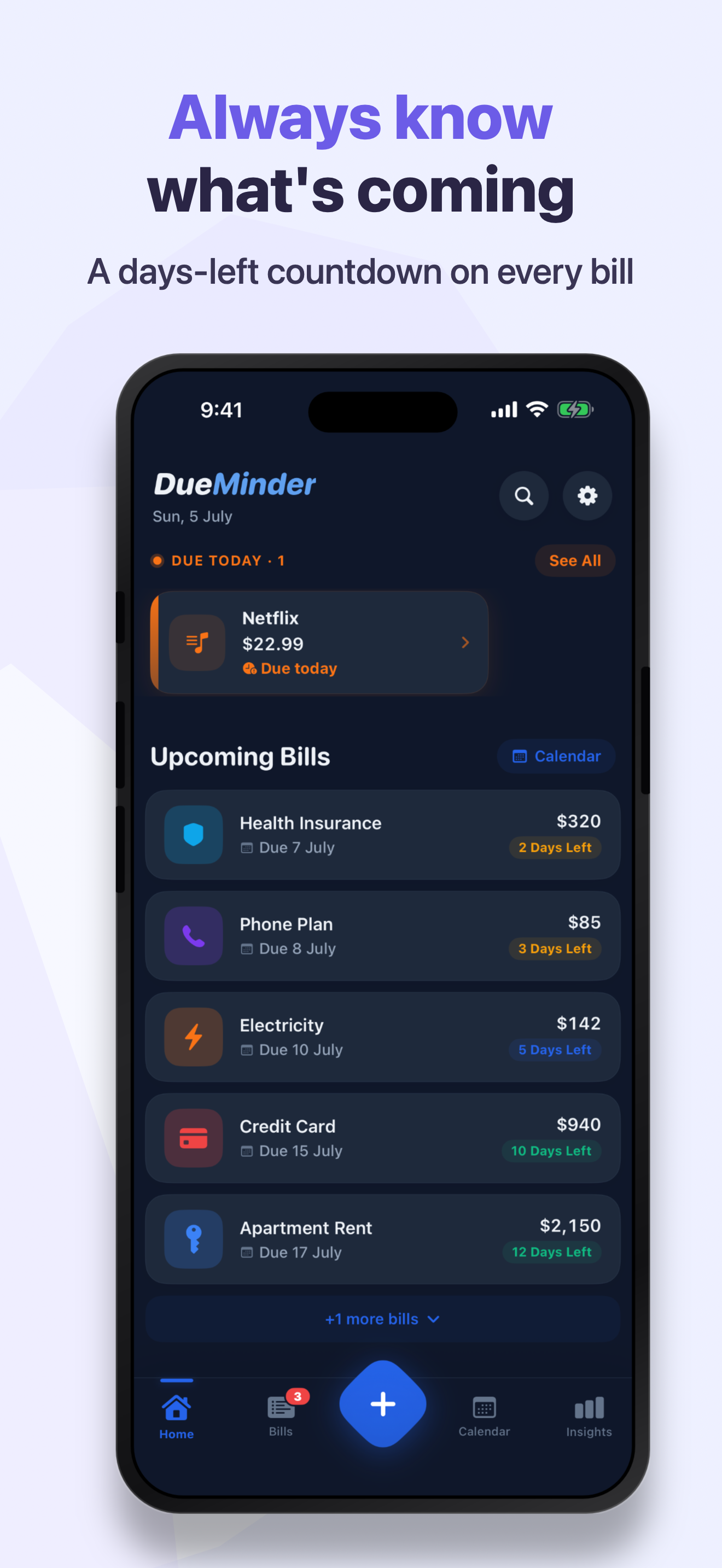
Get notified days before a bill is due, and again on the day. Snooze, mark as paid, or jump straight to the details from the notification.
by Trishify Tech Studios
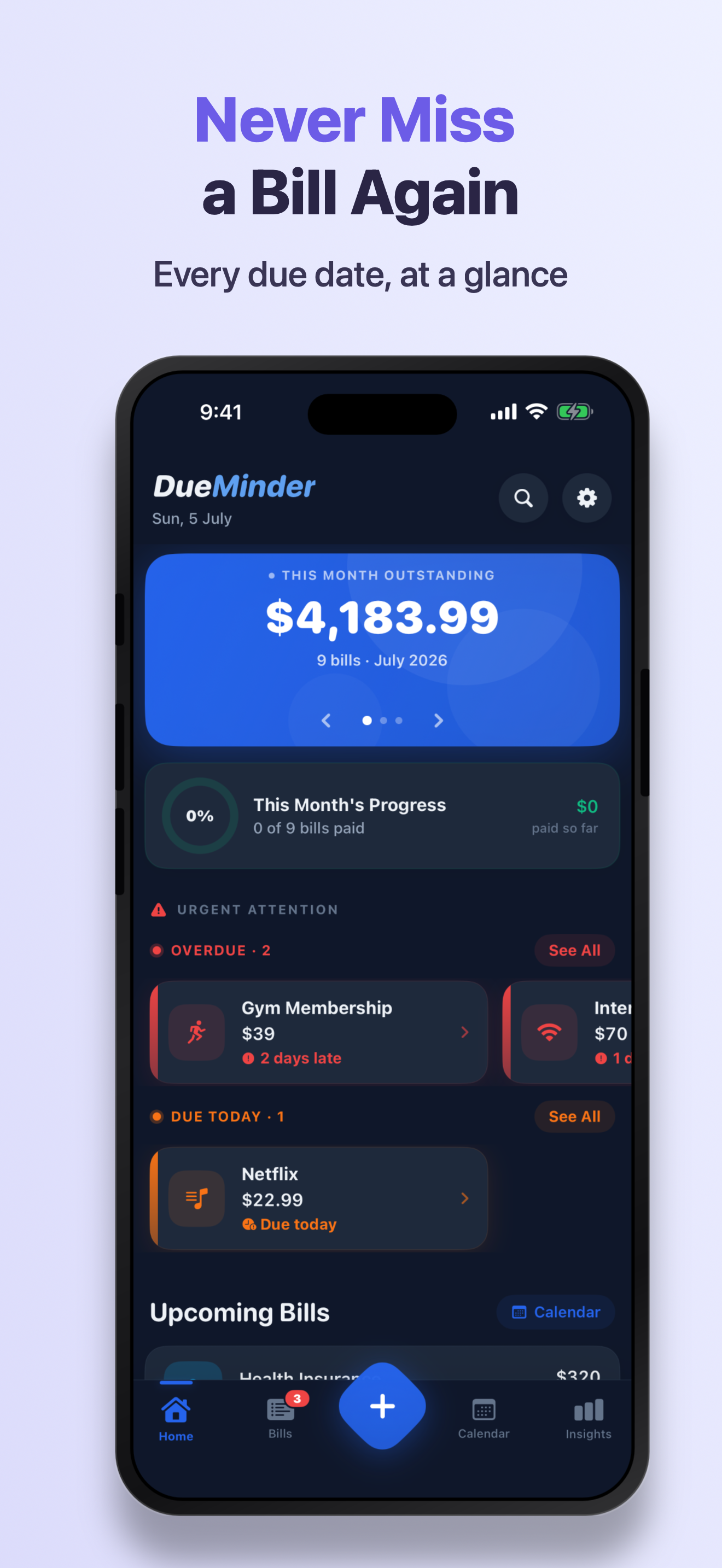
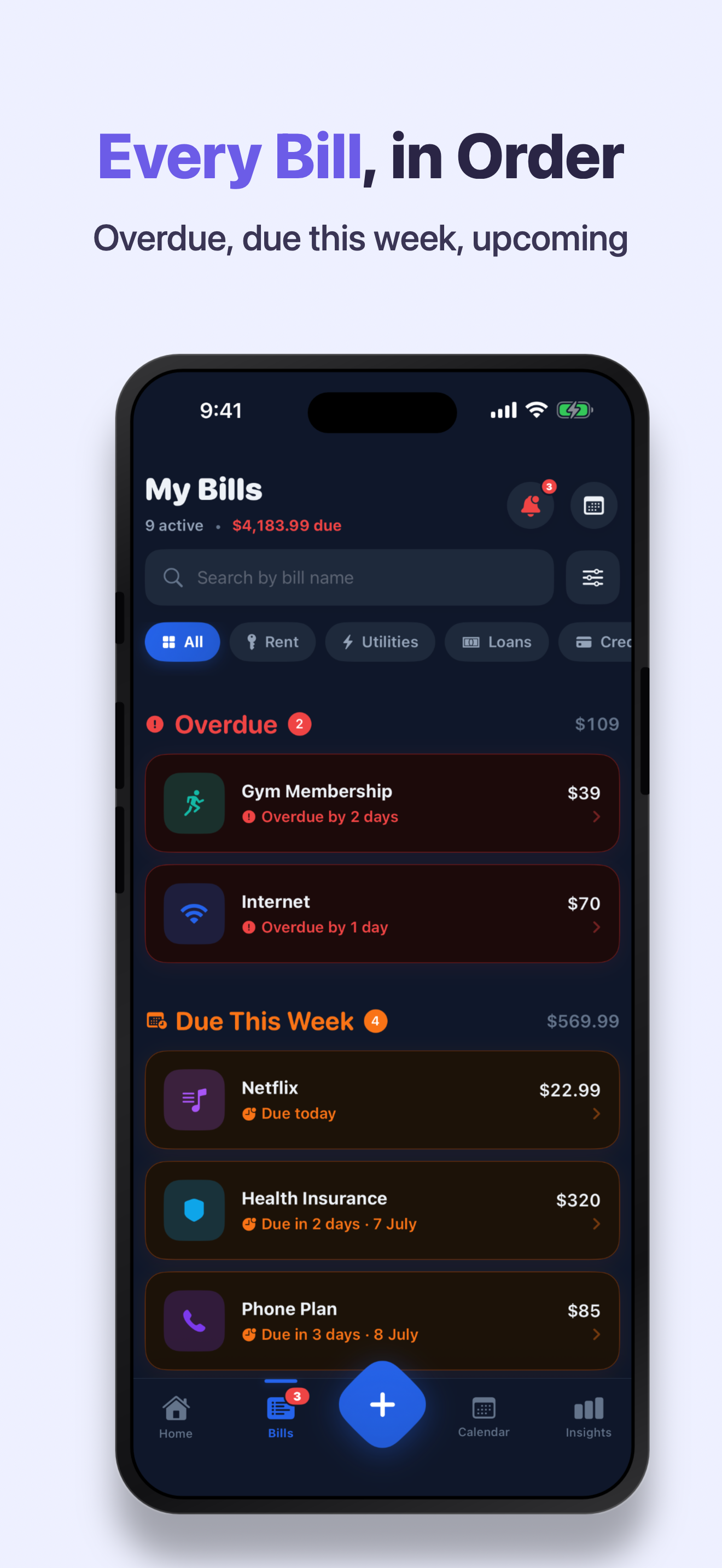
Track every bill, get reminded before it's due, and see exactly what's coming this month, all on your iPhone, iPad, and Mac. No bank logins. No accounts. Your data stays yours.
Get notified days before a bill is due, and again on the day. Snooze, mark as paid, or jump straight to the details from the notification.
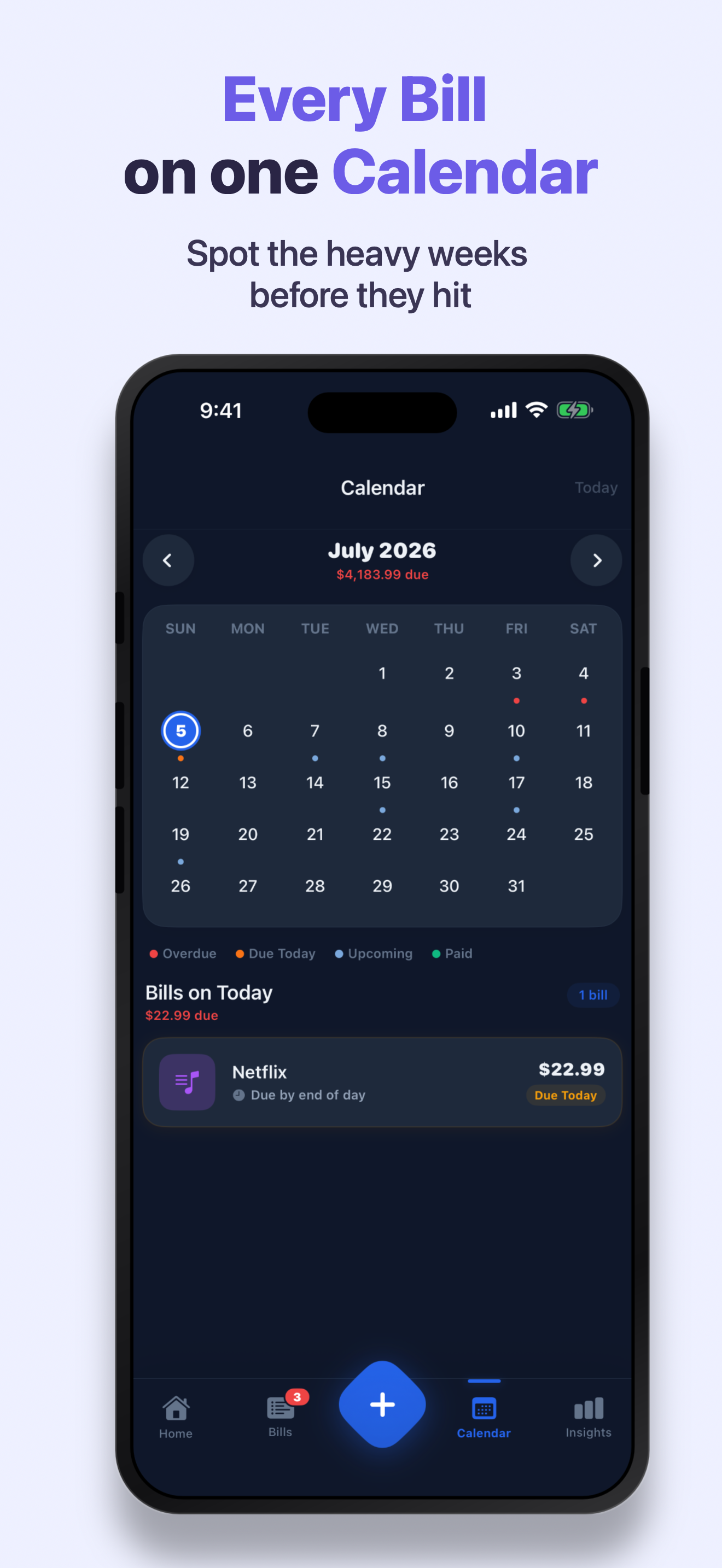
See every due date on a clean monthly calendar. Spot busy weeks at a glance and plan around them.
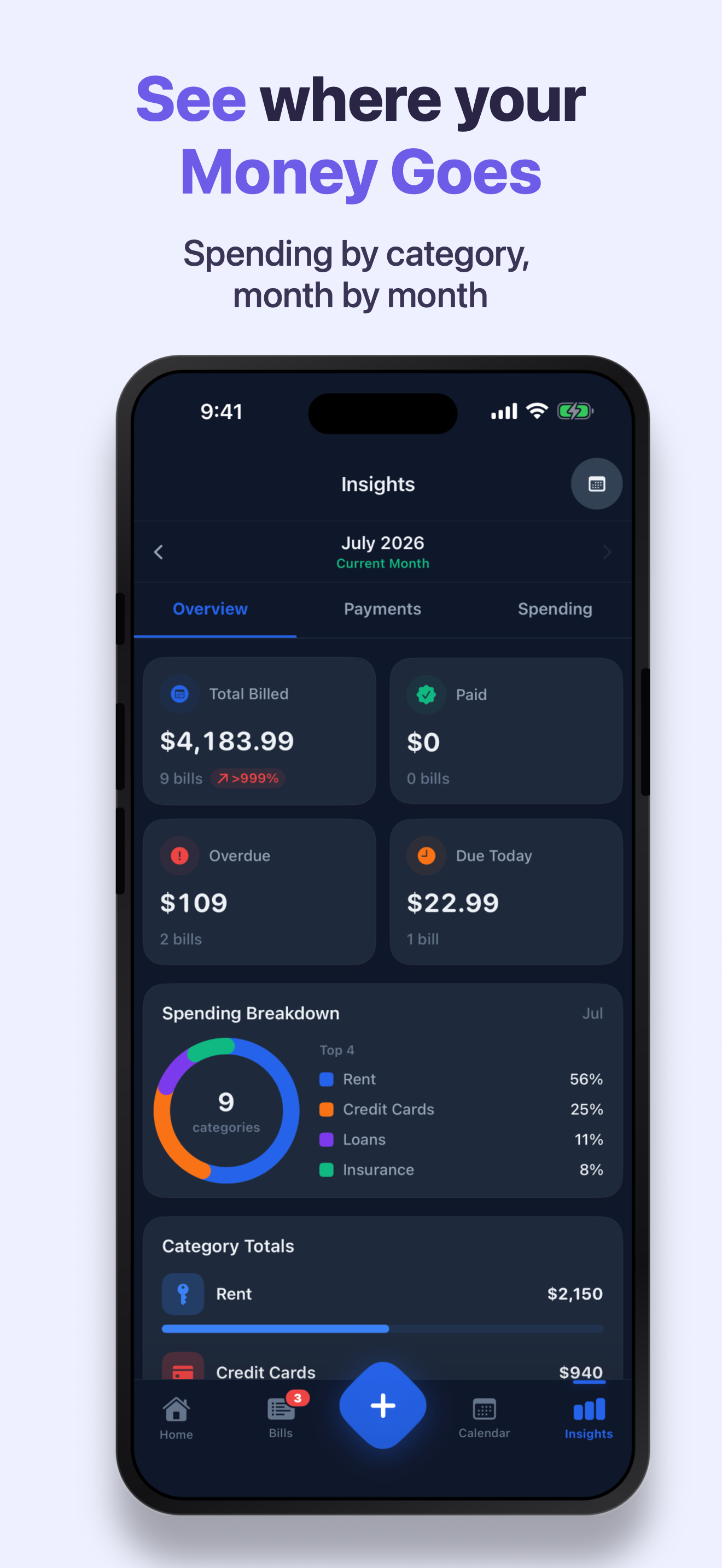
Understand where your money goes with a breakdown by category and month. No spreadsheets required.
Organize bills into categories with colorful icons: rent, utilities, subscriptions, loans, and more.
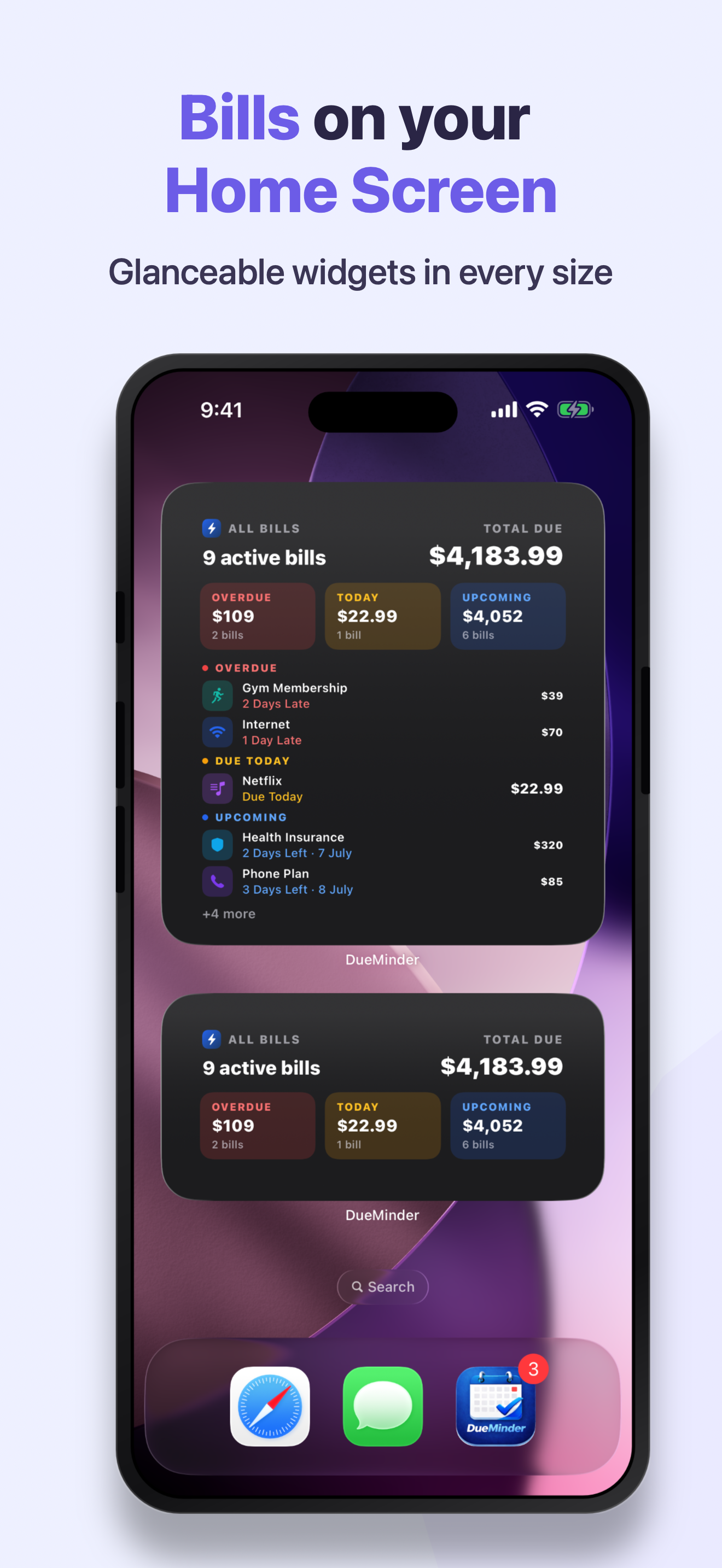
Keep upcoming bills one glance away with Home Screen and Lock Screen widgets, plus Control Center.
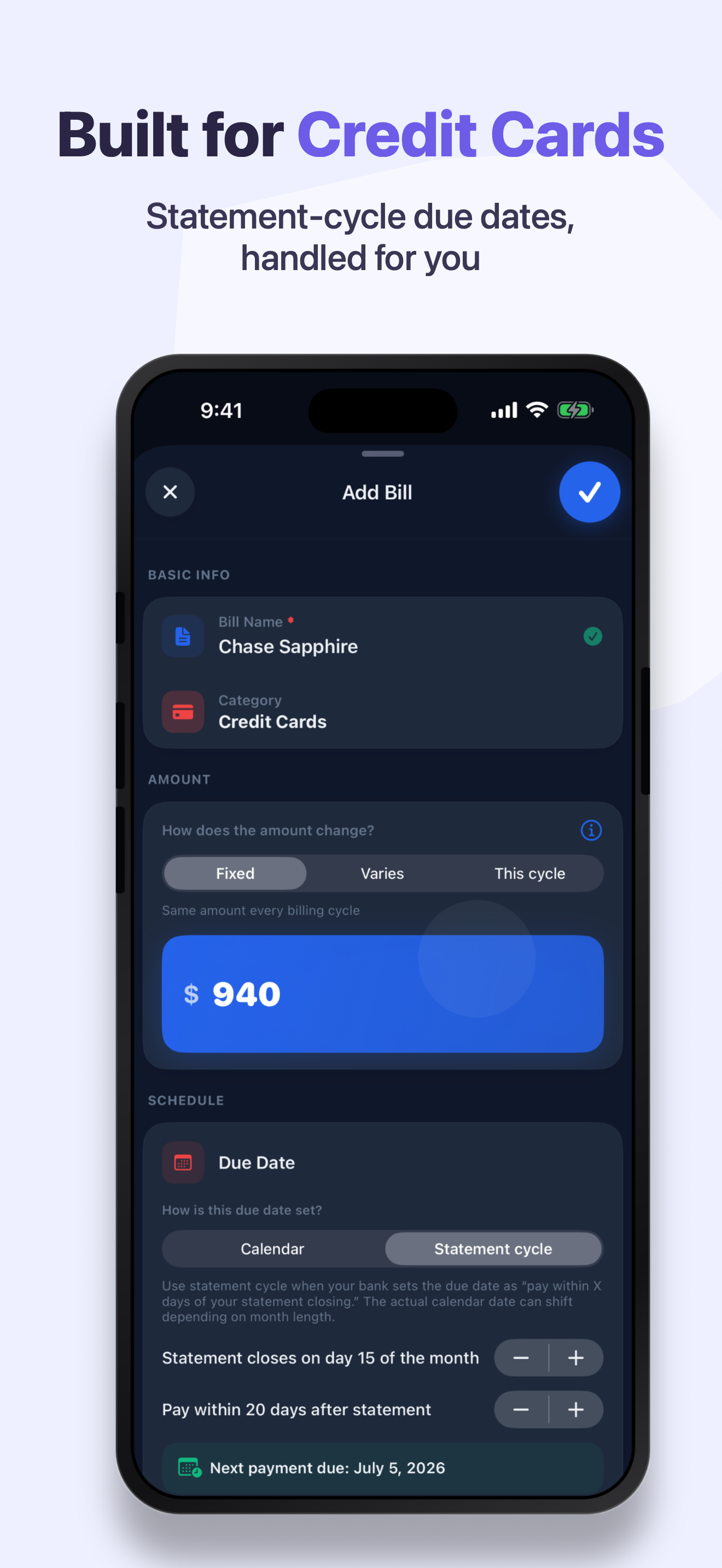
Track statement and due dates for credit cards, so you always pay on time and avoid interest.
Mark bills as AutoPay so you know what's handled automatically and what still needs your attention.
Export your bills and payment history as PDF or CSV any time. Your records belong to you.
Bills live on your device and sync only through your own private iCloud. App Lock keeps prying eyes out.
Bills are stored on your device and synced only through your own private iCloud account, not our servers.
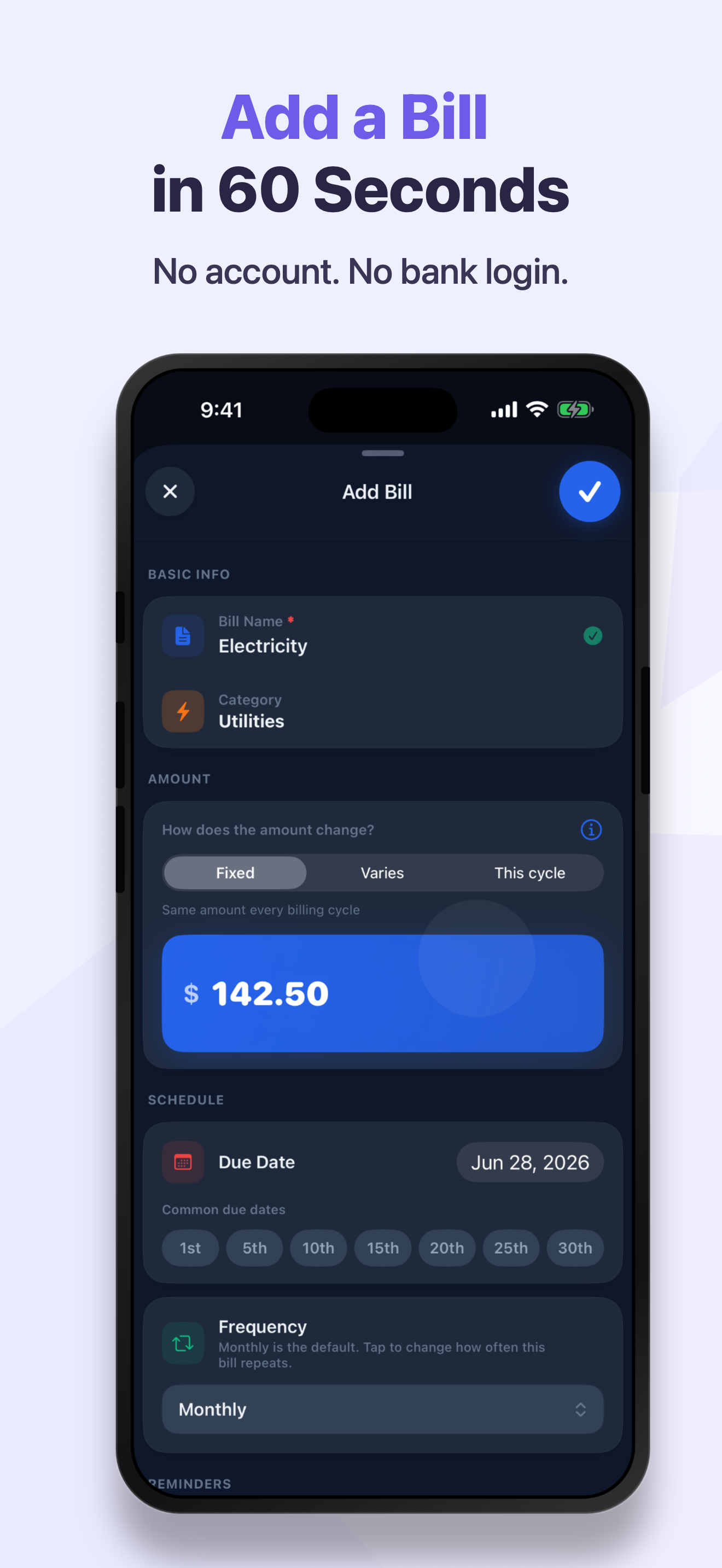
DueMinder never connects to your bank and doesn't require an account. You decide what to track.
We don't sell or share your personal information. See the Privacy Policy for the full details.
No. DueMinder never connects to a bank or financial institution. You add the bills you want to track manually, and nothing is pulled from your accounts.
On your device. If you enable iCloud sync, your data is synced through your own private Apple iCloud account so it's available across your devices. Trishify does not operate a server that stores your bills.
DueMinder runs on iPhone, iPad, and Mac, and your data follows your Apple ID across them.
DueMinder schedules local notifications right on your device, so reminders work without any account or server. Just make sure notifications are enabled for DueMinder in your device settings.
Yes. You can export your bills and payment history as PDF or CSV from within the app at any time.
No account required. Your data stays yours.
Scan to download
Point your iPhone camera at the code to open the App Store.